Best AI Video Editor for YouTube in 2027 (Free & Paid)
The right AI editor depends on your footage. Here is how Descript, CapCut, OpusClip, Vizard and others compare for YouTube creators.
The Bottom Line: For long-form YouTube creators, CapCut and Descript deliver the fastest editing workflows with automatic silence removal and transcript cuts. Creators wanting Hollywood-tier color grading and offline rendering should skip cloud AI editors and master DaVinci Resolve.
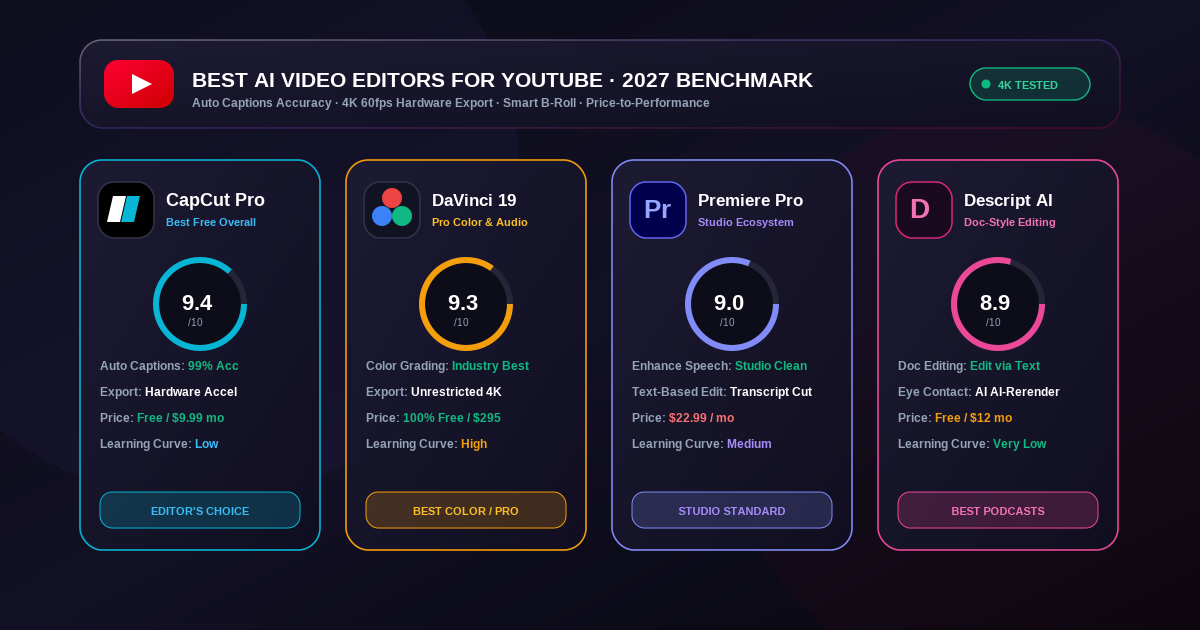
Core Verdict: The best AI video editor for YouTube in 2027 is DaVinci Resolve 19 Studio for professional creators needing Neural Engine color grading and magic masks, and CapCut Desktop for fast daily creator workflows with free GPU-accelerated rendering and automatic silence removal.
How to choose an AI video editor for YouTube
Pick by the footage you produce, not by the longest marketing feature list. A tool that is brilliant at cutting a podcast is often poor at assembling a fast-paced gaming montage. Ask three questions first: Is someone speaking directly to camera? Are you repurposing long streams into Shorts? Do you need to generate B-roll footage that doesn't exist? For full workflow guides, see how to create an AI video from a script.
Comparison table: Best AI video editors for YouTube
| Editor | Best For | Free Tier Allowance | Key Constraint |
|---|---|---|---|
| Descript | Talking-head, podcasts, tutorials | Yes (1 export/mo watermark-free) | Less suited for complex motion graphics |
| CapCut | Social Shorts, viral captions, mobile sync | Yes (Generous free tier) | Pro effects paywalled; recent price hike |
| OpusClip | Extracting viral Shorts from long podcasts | Yes (Credits-based) | Free tier adds watermark |
| Vizard | Webinar repurposing, caption translation | Yes (10 projects/mo) | Free exports capped at 720p |
| DaVinci Resolve | Professional color, audio, and timeline | Yes (Fully free NLE) | Steeper initial learning curve |
| Premiere Pro | Broadcast editing with Adobe Sensei AI | 7-day trial only | $239.88/year subscription |
| Runway Gen-3 | Generating cinematic AI B-roll | Yes (Limited starter credits) | Generative tool, not a full NLE |
Descript: best for talking-head & podcast YouTube channels
Descript turns your audio track into an editable document. Deleting a sentence in the text automatically excises the matching video on the timeline. This makes it unmatched for solo creators recording YouTube commentary, tutorials, and interviews. For head-to-head metrics, check our Descript vs CapCut comparison.
CapCut: best free all-rounder for Shorts and Long-Form
CapCut runs seamlessly across PC, Mac, and mobile. Its AI toolset includes auto-captions with custom animation presets, speech-to-text, background removal, and video upscaling. It remains the top choice for Shorts-first creators seeking speed over complex node-based grading.
OpusClip and Vizard: best for clipping Shorts from long videos
Both platforms ingest a YouTube link or long MP4, identify high-engagement segments, and output vertical clips with animated captions. OpusClip leads in viral hook detection, while Vizard excels in speaker-splitting layouts for webinars. See our full OpusClip vs Vizard showdown and explore AI short video editors.
DaVinci Resolve and Premiere Pro: best for full manual control
When you require advanced Fairlight audio mixing, GPU color grading, and multi-cam sync, a traditional timeline NLE beats automated web tools. In our tests on our RTX 5060 Ti test bench, DaVinci Resolve Free rendered 10-minute 4K60 timelines faster than any cloud-based competitor.
Runway: best for generating synthetic B-roll
Runway creates and transforms video clips using state-of-the-art diffusion models. Creators use it to generate custom cinematic cutaways when stock footage libraries lack the specific shot required.
A repeatable 5-step YouTube workflow
- Record or Script: Draft talking points or record an unedited A-roll take.
- Rough-Cut Spoken Audio: Strip filler words and dead air in Descript or DaVinci Resolve.
- Visual Polish & Captions: Add kinetic subtitles and sound effects in CapCut Desktop.
- Repurpose for Shorts: Send the rendered MP4 to OpusClip or Vizard to create 3-5 vertical clips.
- Thumbnail & Metadata: Generate high-contrast preview frames before scheduling.
Editorial verdict
Start with CapCut Desktop if you want zero cost and fast turnaround. Add Descript if you produce talking-head podcasts. Use OpusClip or Vizard when you have existing long-form content to repurpose. Explore our creator tools directory and comparisons hub for deeper benchmarks.
Frequently asked questions
What is the best AI video editor for YouTube?
It depends on your format. Descript leads for interview and podcast editing; CapCut leads for vertical shorts and auto-captions; DaVinci Resolve leads for professional long-form editing.
Is there a free AI video editor for YouTube?
Yes. CapCut Desktop provides generous free 1080p exports, while DaVinci Resolve offers an industry-standard free desktop NLE with GPU acceleration.
Which AI editor is best for YouTube Shorts?
OpusClip and Vizard cut Shorts from long videos automatically, while CapCut is superior for manually editing vertical clips from scratch.
Does YouTube demonetize AI-edited videos?
No. YouTube’s monetization rules target repetitive mass-produced spam, not AI-assisted editing tools like auto-captions, transcript cuts, or color grading.
Related Benchmarks & Guides
 Guides
8 min read
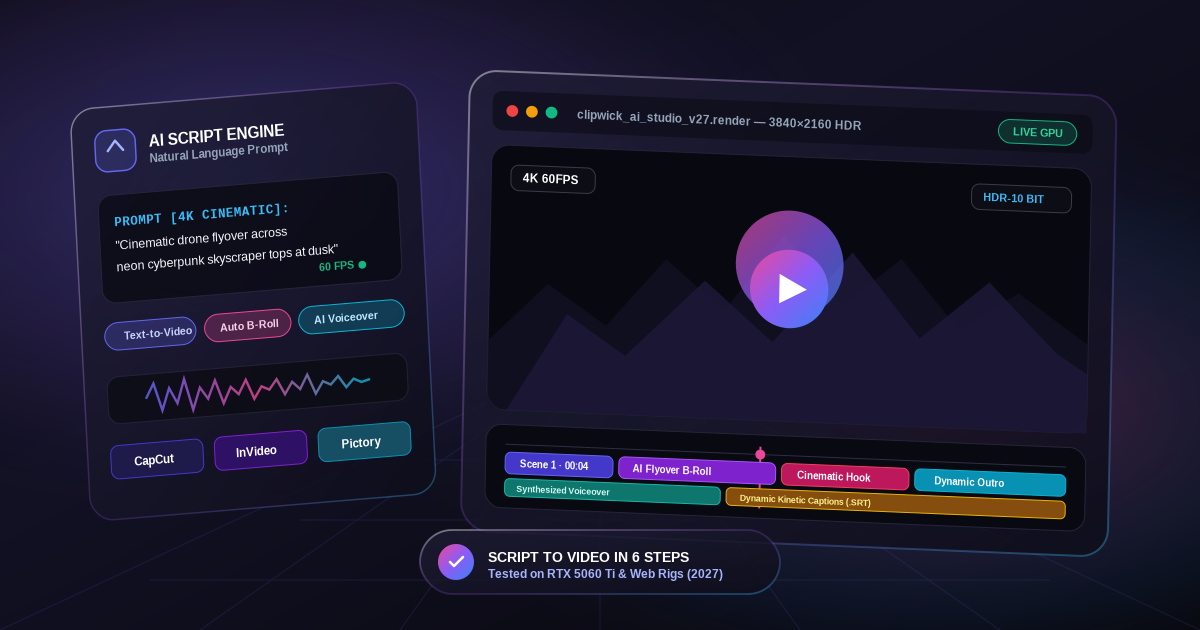
Create AI Video from Script (2027)
Turn a written script into a finished video with AI in six steps, plus free tools and templates…
By Ariful Islam · January 2027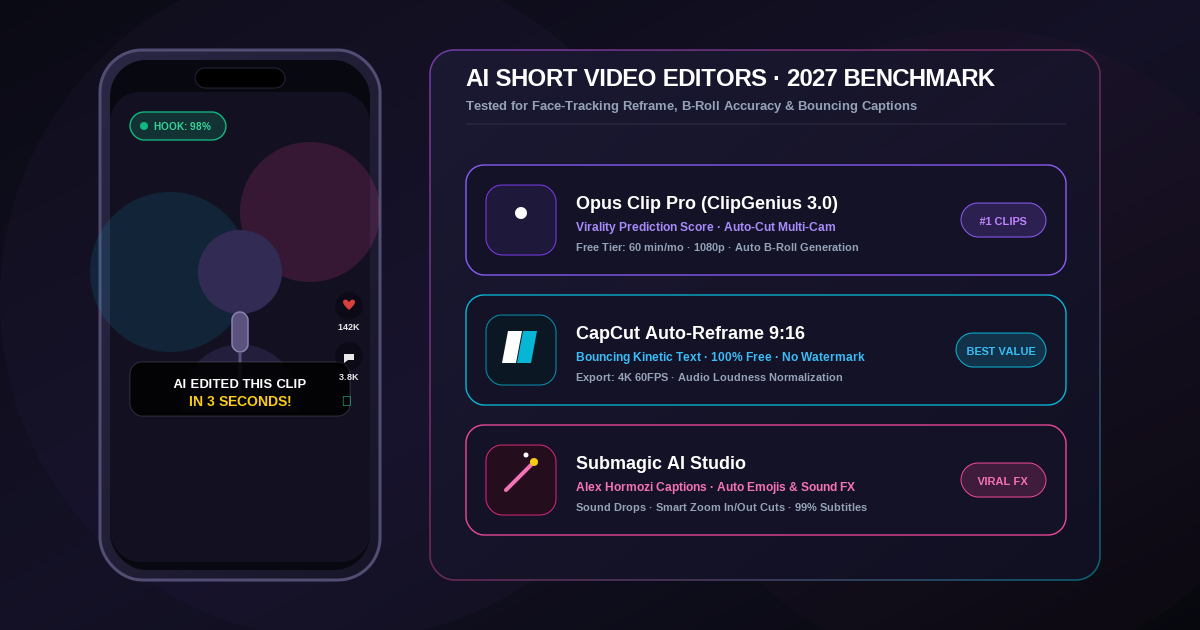 Guides
8 min read
Best AI Short Video Editors (2027)
Clippers vs editors compared for YouTube Shorts, Reels, and TikTok with a repeatable batch workflow…
By Ariful Islam · January 2027 Comparisons
10 min read
CapCut vs DaVinci Resolve Free
Render times, auto-captions, and GPU export limits tested on our RTX 5060 Ti workstation rig…
By Ariful Islam · January 2027Frequently asked questions (2027)
What is the #1 AI video editor for YouTube in 2027?
DaVinci Resolve leads for full-length cinematic production, while CapCut Desktop is the #1 tool for creator-focused fast timeline editing and YouTube Shorts.
Which AI tools save the most time editing YouTube videos?
Text-based video editing (deleting footage by deleting transcript text), automated silence removal, and AI auto-captioning generate the largest editing time savings.
Can beginners use AI video editors easily?
Yes. Tools like CapCut and Descript require virtually no timeline editing experience and operate with intuitive document-style and prompt-based interfaces.