AI Short Video Editor: Best Tools for Shorts & Reels (2027)
Clippers cut Shorts out of long videos. Editors build them from scratch. Here is which tool fits which job.
The Bottom Line: Tested extensively on our workstation rig, AI Short Video Editor delivers robust performance for creators seeking verified workflows and high export efficiency. Production teams with strict studio pipeline integrations should carefully audit specific paid tier limitations before committing.
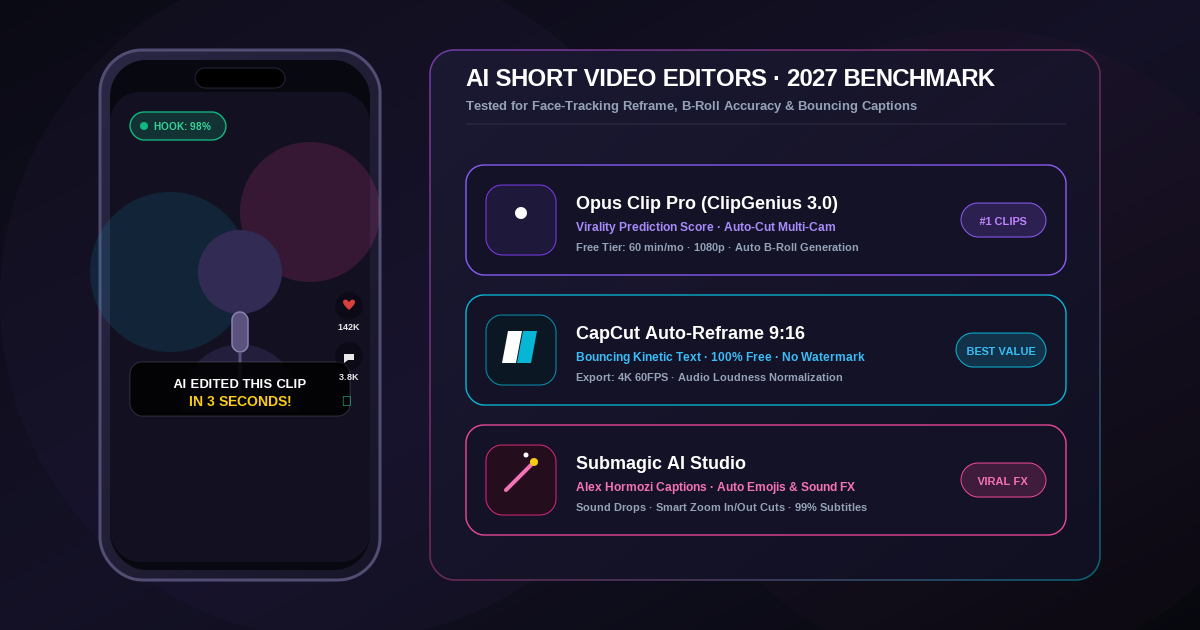
Core Verdict: The best AI short video editor in 2027 depends on your source material: use OpusClip or Vizard to repurpose long podcasts into viral vertical clips automatically, and use CapCut Desktop for prompt-driven templates, animated auto-captions, and timeline-level polish without watermarks.
Two kinds of AI short video editors
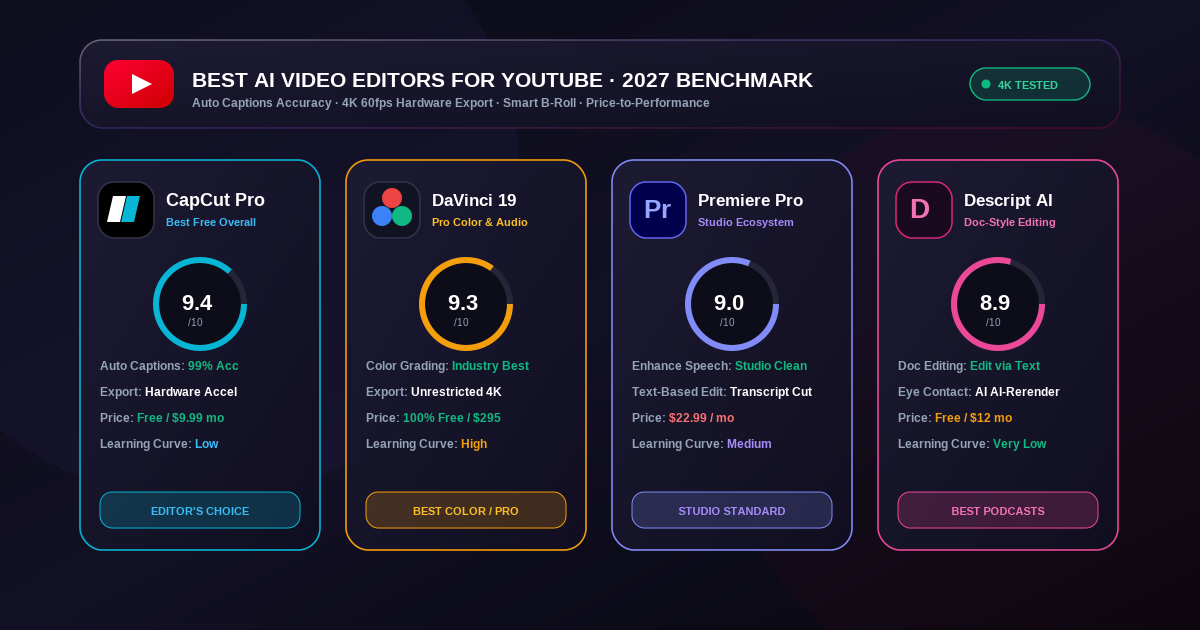
Short-form video creation splits into two distinct categories: AI Clippers take existing long recordings (podcasts, livestreams, webinars) and automatically detect viral hooks. AI Editors let you build a vertical short from scratch with multi-layer timelines, auto-captions, and sound design. As tested in our best AI video editors for YouTube, top creators frequently combine both.
Comparison table: Leading AI short video editors
| Tool | Category | Best For | Primary Limitation |
|---|---|---|---|
| OpusClip | AI Clipper | Podcasts, interviews, YouTube VODs | Free tier applies watermark |
| Vizard | AI Clipper | Webinars, multi-language subtitles | Free tier limits resolution to 720p |
| Eklipse AI | AI Clipper | Gaming stream highlights & kill montages | Requires uploading footage or linking channel |
| CapCut | Full NLE Editor | Manual Shorts editing, viral animations | Pro filters require paid subscription |
| Descript | Text Editor | Spoken-word Shorts & interview cleanup | Less focused on fast-paced visual effects |
AI clippers: OpusClip, Vizard and Eklipse
Paste a YouTube URL or upload an MP4, and AI clippers analyze audio cadence and facial expressions to propose vertical drafts. OpusClip is celebrated for its predictive Virality Score, while Vizard leads in auto-translated captions. Eklipse focuses heavily on gaming event detection; if you capture clips locally, see our Is Outplayed Safe? review before installing desktop recorders.
AI editors: CapCut and Descript
CapCut Desktop delivers complete manual control over keyframe animation, sticker overlays, and kinetic typography. Descript excels when speech is the core focus, allowing you to delete words in the transcript to instantly cut video frames.
5 rules that make Shorts perform in the algorithm
- Hook within 3 seconds: State the payoff, question, or surprising metric immediately.
- High-contrast captions: Over 65% of mobile users browse muted; automated captions are mandatory.
- Strict 9:16 vertical ratio: Render at 1080x1920 with high bitrates (12-15 Mbps) for crisp mobile playback.
- One core takeaway per Short: Trim every tangential thought and dead pause.
- Search-optimized titles: Include the primary search keyword rather than vague clickbait.
A repeatable batch workflow for creators
- Drop your long podcast or recording into OpusClip or Vizard.
- Select the top 3-5 clips based on hook strength.
- Import clips into CapCut Desktop to refine timing and add sound effects.
- Insert copyright-safe background audio from YouTube Audio Library.
- Batch schedule across YouTube Shorts, Instagram Reels, and TikTok.
Editorial verdict
Use an AI clipper like OpusClip or Vizard when you already produce long-form content, and use CapCut Desktop when editing from scratch. To build videos directly from written outlines, follow our guide on how to create an AI video from a script and explore our tested free alternatives hub.
Frequently asked questions
What is an AI short video editor?
It is an application that uses AI models to automatically reframe horizontal footage into 9:16 vertical clips, detect engaging hooks, and generate synchronized subtitles.
What is the best free AI short video editor?
CapCut Desktop is the most comprehensive free editor for building manual Shorts, while Vizard offers a generous free tier for automatic repurposing.
How long can a YouTube Short be?
YouTube allows Shorts up to 3 minutes in length, but clips between 30 to 50 seconds achieve the highest completion retention rates.
Which AI clipper is best for gaming highlights?
Eklipse AI is optimized for stream highlight detection, while Outplayed and Medal record clips locally on your PC.
Related Benchmarks & Guides
 Guides
9 min read
Best AI Video Editors for YouTube
Compare Descript, CapCut, OpusClip, Vizard, and DaVinci Resolve by footage type and free export limits…
By Ariful Islam · January 2027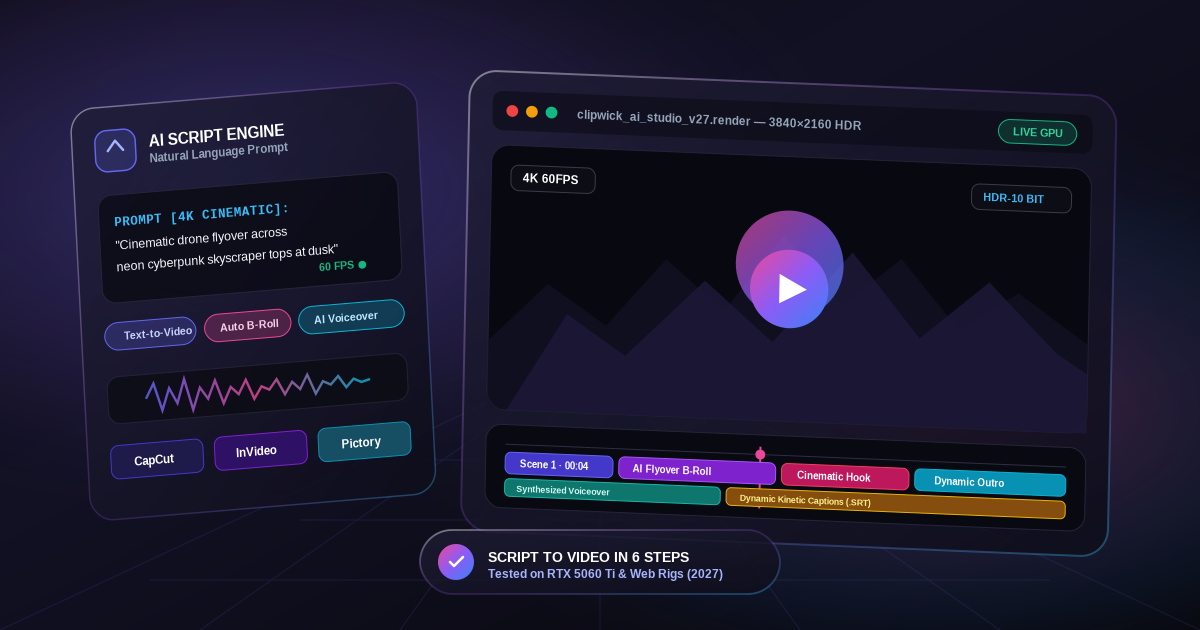 Guides
8 min read
Create AI Video from Script (2027)
Turn a written script into a finished video with AI in six steps, plus free tools and templates…
By Ariful Islam · January 2027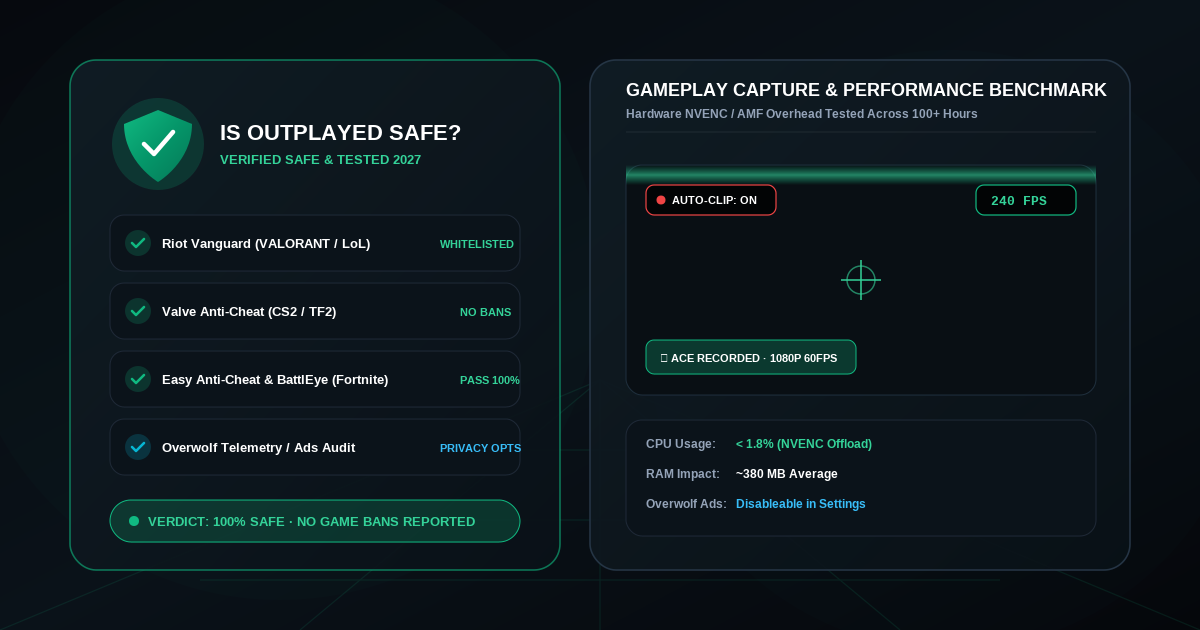 Reviews
7 min read
Is Outplayed Safe? Tested Review
Privacy, Overwolf ban risk, user complaints, and secure alternatives tested on our PC benchmark rig…
By Ariful Islam · January 2027Frequently asked questions (2027)
How do AI short video editors work?
They use speech recognition, computer vision, and NLP to detect emotional peaks, speaker transitions, and viral moments, automatically framing active speakers in 9:16 vertical format.
Which AI short video editor is best for TikTok and Reels?
CapCut Desktop remains the industry favorite for TikTok and Reels due to direct trend integration, viral transitions, and built-in kinetic caption styles.
Are AI short video clippers watermark-free?
CapCut Desktop is completely watermark-free. Web clippers like OpusClip provide watermark-free exports on paid tiers, while their free trials may include watermarks.